Autodesk FusionSOLIDWORKS

The engineering copilot for building real hardware.

An agent that works inside Autodesk Fusion and SOLIDWORKS. Hand it the failed fillet, the broken model, or the drawing package, and review every change it makes.

From scan to editable CAD

Your CAD tools. One Vector.

Connect the applications you use. Keep your existing CAD installation and license, and choose where Vector works when both are open.

Autodesk Fusion

macOS and Windows

Work on sketches, features, assemblies, and drawings in your existing Fusion designs.

Install Vector, open Fusion, and connect it in Vector’s Integrations. Vector installs its connection for you.

Explore Vector for Fusion

SOLIDWORKS

Windows · x64

Create and edit native parts, inspect assemblies, and work with drawings through the SOLIDWORKS API.

Connect SOLIDWORKS in Vector’s Integrations. Vector installs the add-in and uses your installed launcher, including 3DEXPERIENCE shortcuts. Complete platform sign-in if prompted.

Explore Vector for SOLIDWORKS

01

Works on the open design

Vector reads the document you have open in Fusion or SOLIDWORKS: its sketches, features, and assembly structure. Ask questions and make changes in the context of your part.

02

Uses your application's own API

Vector creates and edits native CAD features. Your Fusion timeline or SOLIDWORKS feature tree stays available for you to inspect and edit afterward.

03

Shows every change

Follow the work in the conversation, inspect the result in CAD, and open referenced files directly. Use Fusion, SOLIDWORKS, or both from the same Vector app.

Reverse engineering

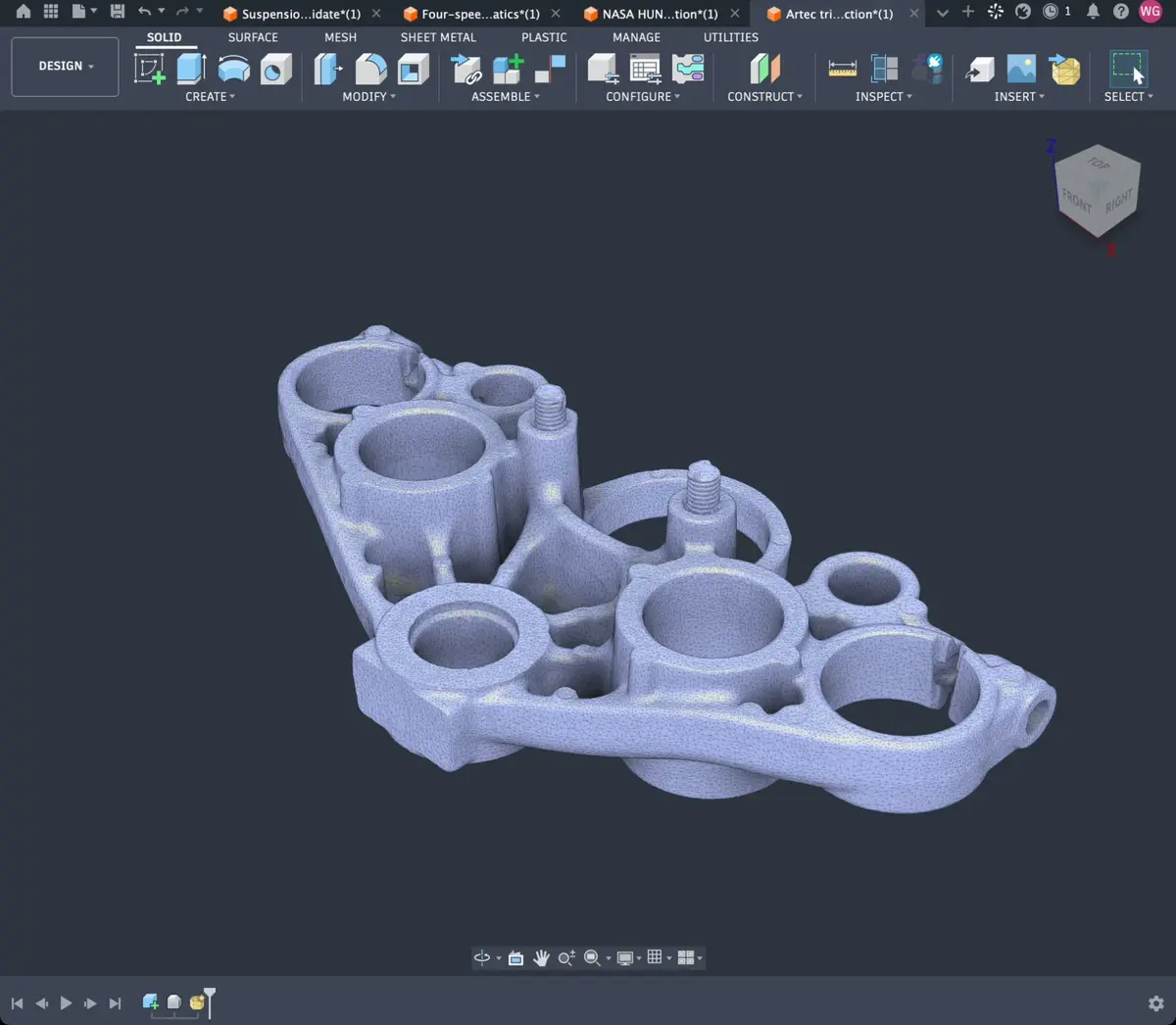
From scan to editable CAD

Recover bores, ribs and mounting features as compact, dimensioned sketches. Change the dimensions and watch the model rebuild.

From scan to editable CAD

Mechanisms

Build a four-speed transmission

Follow the shafts, gears and housing from their first sketches, then inspect the assembled mechanism in motion.

Build a four-speed transmission

Drawing to CAD

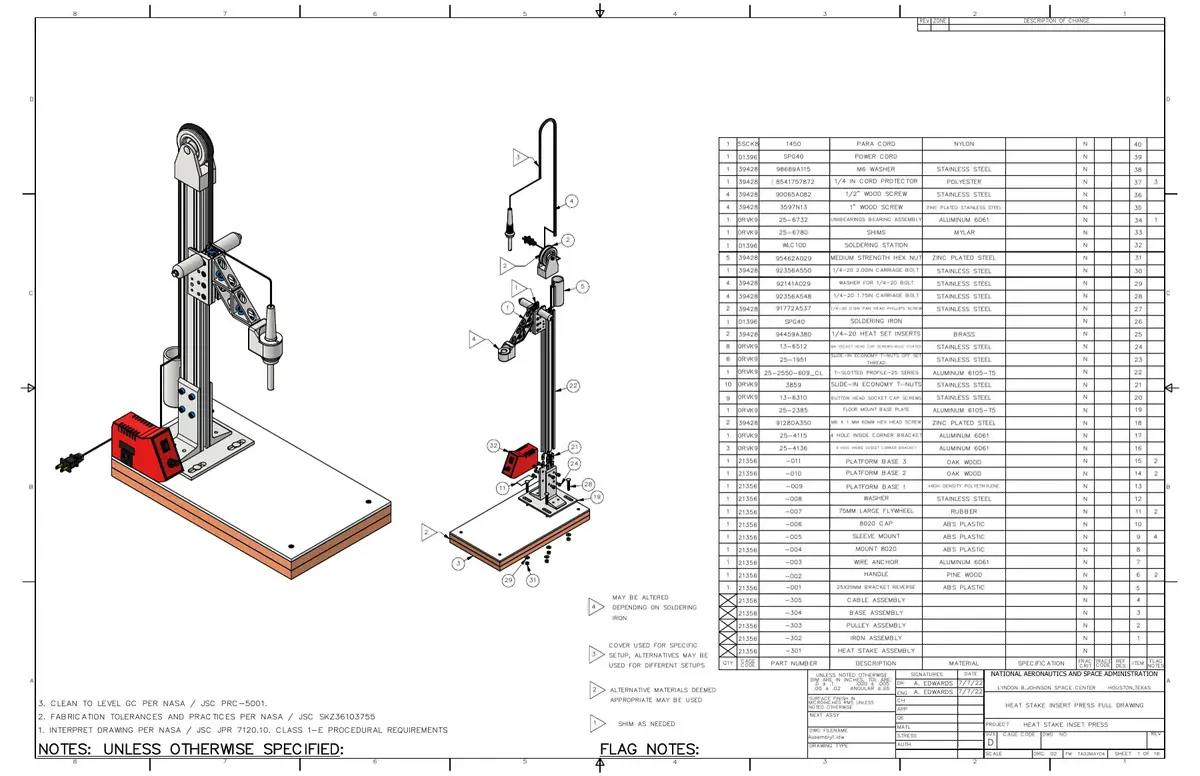
Turn a real drawing into a model

Start with NASA HUNCH’s published drawing set. Follow the native features into an assembled heat-stake press.

Turn a real drawing into a model

Repair

Repairs broken models end to end

Failed fillets, broken references, and features that stop rebuilding. Vector inspects the design, traces the problem, and works through the repair in your CAD application.

Fix yellow and red features
Autodesk Fusion at 0:00
plates v15
Vector

Answers

Answers about your design, not a tutorial

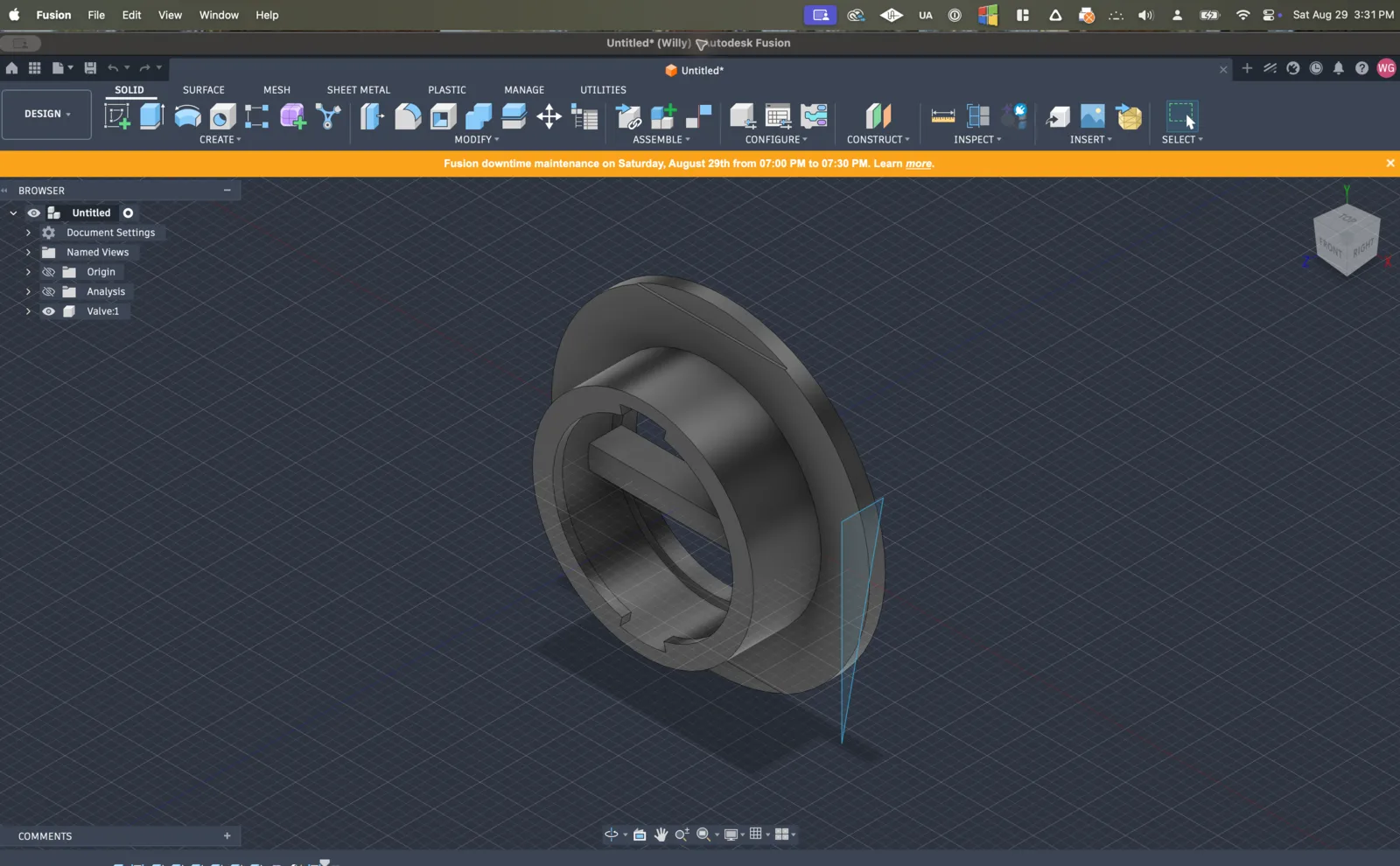
Ask about a sketch, a feature, or how the assembly fits together. Vector inspects your file and consults the documentation for your CAD application.

Stay in Fusion for “how do I”
Autodesk Fusion at 0:00
Valve v2
Vector

Automation

Turns an afternoon of clicking into one request

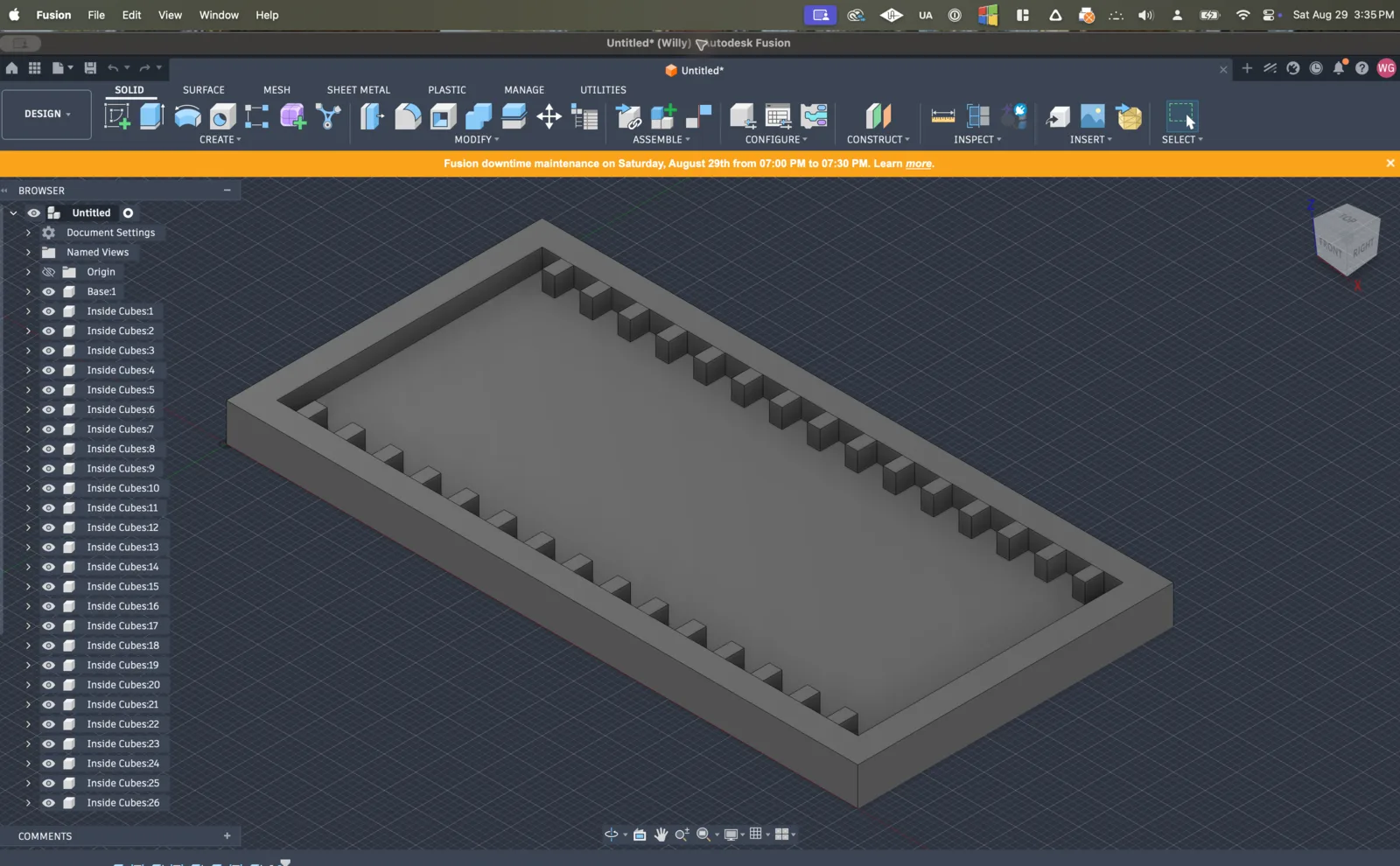
Twenty-six copied blocks become one pattern. Eighteen bodies export as eighteen STEP files with an index. Eleven fabricated parts get eleven drawing sheets.


Pattern the thing you keep copying
Autodesk Fusion at 0:00
spacing frame
Vector

Control

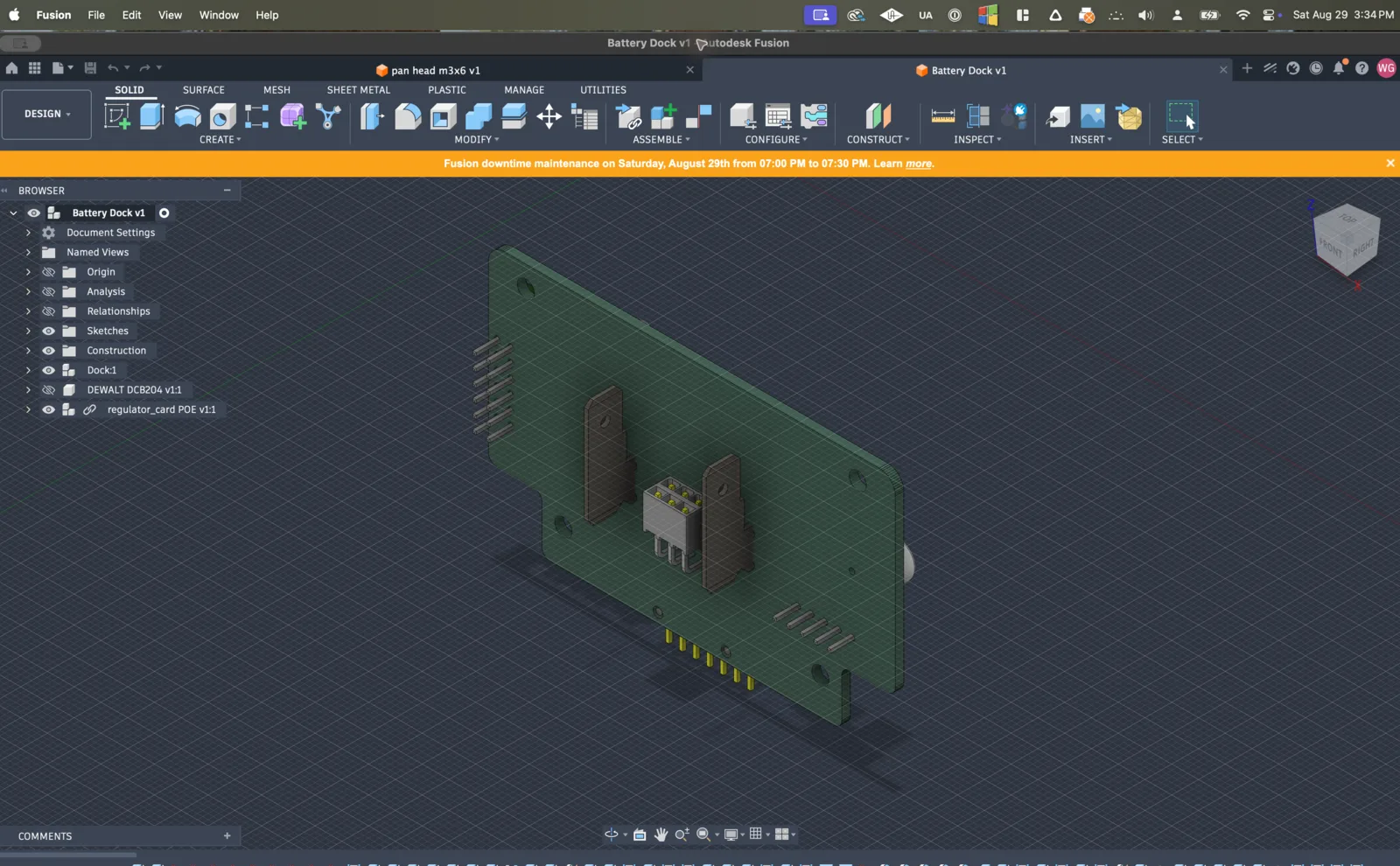
Fixes what is certain, asks about the rest

Review the work in the conversation and inspect the result in your model. Tell Vector what to adjust, or keep editing the native features yourself.

Repair downstream after a component swap
Autodesk Fusion at 0:00
Battery Dock v98
Vector

See what you can hand to Vector.

Explore example workflows in your CAD application, from native part modeling to repairs and repetitive edits.

Autodesk Fusion

From scan to editable CAD

Recover bores, ribs and mounting features as compact, dimensioned sketches. Change the dimensions and watch the model rebuild.

View workflow

Autodesk Fusion

Build a four-speed transmission

Follow the shafts, gears and housing from their first sketches, then inspect the assembled mechanism in motion.

View workflow

Autodesk Fusion

Turn a real drawing into a model

Start with NASA HUNCH’s published drawing set. Follow the native features into an assembled heat-stake press.

View workflow

Try Vector now.

Install Vector and connect Fusion, SOLIDWORKS, or both. Keep working in the CAD tools you already use.