 ·Windows · x64
An AI copilot for your SOLIDWORKS workflow.
Create parts, inspect your model, and make edits through SOLIDWORKS itself. Vector sets up the add-in and works beside your existing installation, including 3DEXPERIENCE.
SOLIDWORKS · Windows · x64
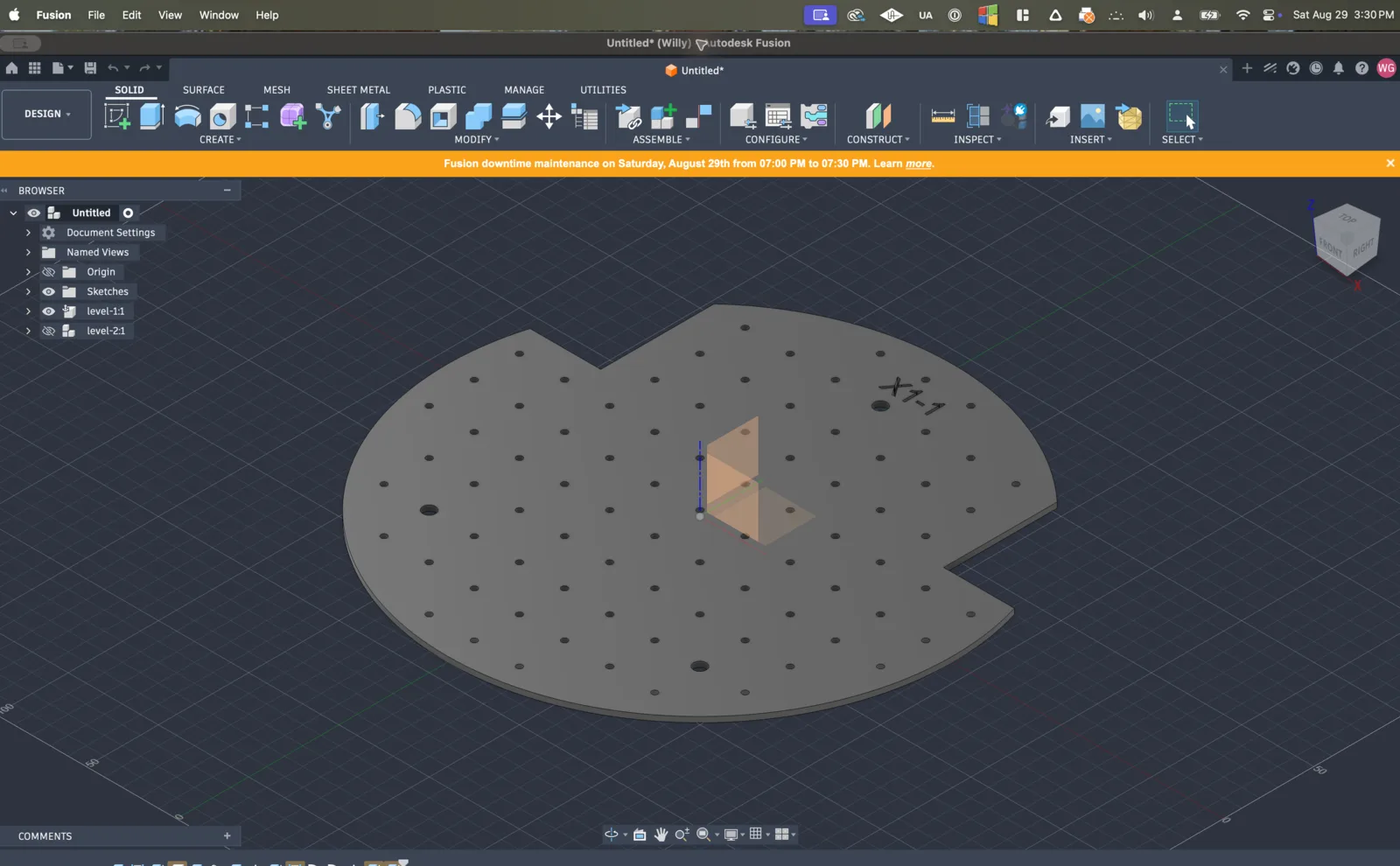
Product demo shown in Autodesk Fusion.
01
Works on the open design
Vector reads the document you have open in Fusion or SOLIDWORKS: its sketches, features, and assembly structure. Ask questions and make changes in the context of your part.
02
Uses your application's own API
Vector creates and edits native CAD features. Your Fusion timeline or SOLIDWORKS feature tree stays available for you to inspect and edit afterward.
03
Shows every change
Follow the work in the conversation, inspect the result in CAD, and open referenced files directly. Use Fusion, SOLIDWORKS, or both from the same Vector app.
See what you can hand to Vector.
Explore example workflows in your CAD application, from native part modeling to repairs and repetitive edits.
Autodesk Fusion
Fix yellow and red features
Most Fusion time is spent chasing warning cascades. Vector finds the earliest unhealthy feature and repairs downstream from there.
View workflowTry Vector now.
Install Vector and connect Fusion, SOLIDWORKS, or both. Keep working in the CAD tools you already use.


 Autodesk Fusion