BlogGuides
How to convert an STL to an editable solid in Fusion 360
Turn an STL or mesh into a solid you can actually edit in Autodesk Fusion: preparing the mesh, choosing a conversion method, and rebuilding key features.
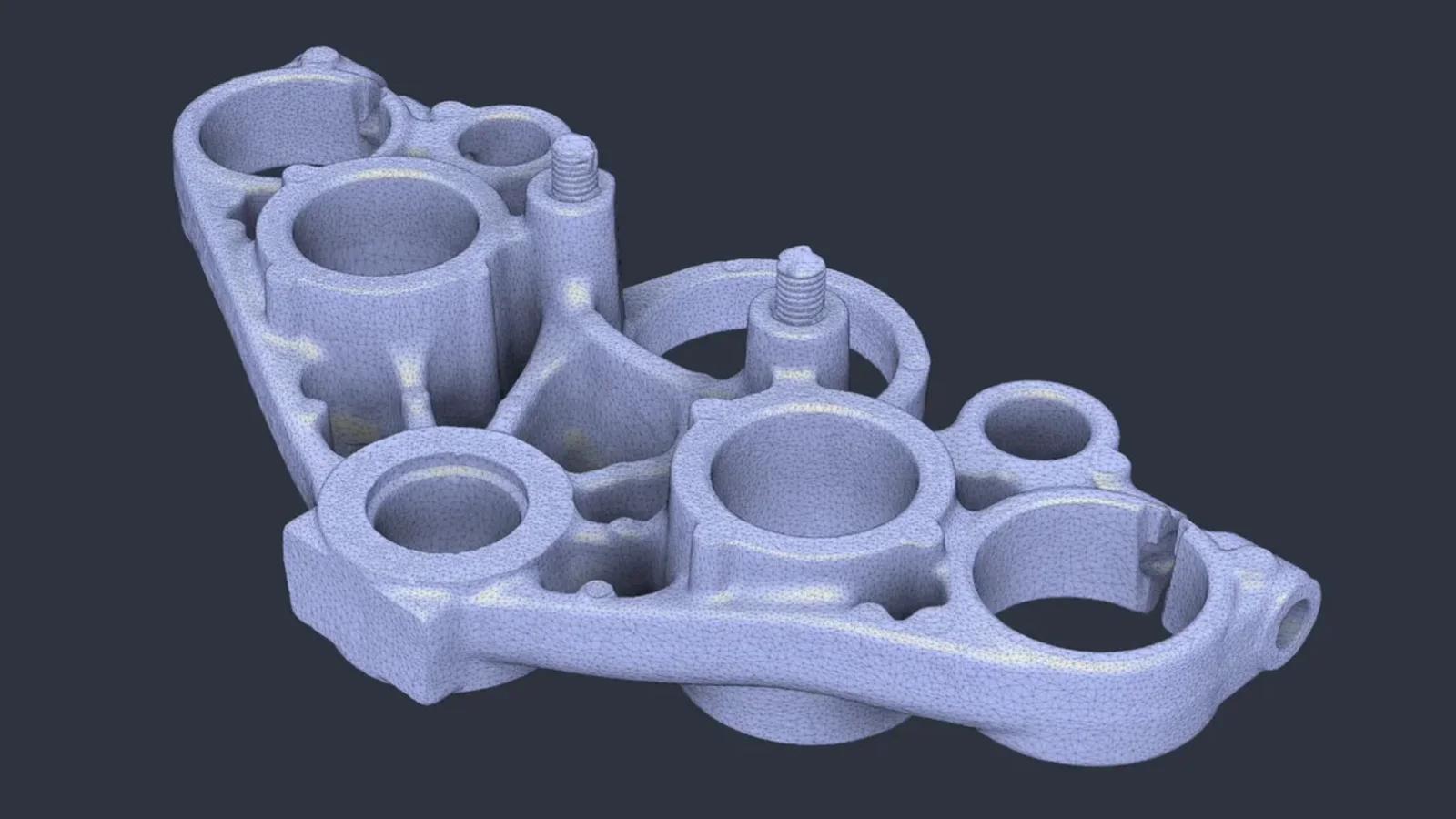
An STL is a surface made of triangles. Fusion can turn it into a solid body, but whether that body is pleasant to edit depends on how you convert it. Here is the workflow that gives you something usable.
1. Insert and inspect the mesh
Use Insert → Insert Mesh and check the units as it comes in. A part that should be 40 mm long and arrives at 1.6 mm was exported in inches. Look for holes in the surface and flipped normals before going further.
2. Repair and reduce
In the Mesh tab, repair the mesh to close holes, then reduce it. A scan with hundreds of thousands of triangles converts slowly and produces a body that’s heavy to work with. Reduce until the shape you care about still looks right.
3. Convert
| Method | Result | Use it for |
|---|---|---|
| Faceted | One face per triangle | Printing, booleans, quick checks |
| Prismatic | Fits planes and cylinders where it can | Machined-looking parts you’ll edit |
4. Rebuild the interfaces
Whatever mates with other parts should be real geometry: bores, flats, mounting faces, and hole patterns. Measure them on the mesh, then sketch and extrude them as proper features, using the converted body as a reference you can hide later.
5. Check against the original
Compare the critical dimensions with the mesh. A bore that should be 12.7 mm and measures 12.6 mm on the mesh is usually a scanning artifact; decide which number you trust before you print.
Doing it with Vector
Ask Vector to turn the STL into a solid you can edit. It converts the mesh, rebuilds planar and cylindrical regions as true faces, keeps the critical interfaces, and reports how closely they match the mesh. See the example.
Questions
- Why is my converted STL so hard to edit?
- A faceted conversion turns every triangle into a face. The body is solid, but there are no cylinders or planes to select, so ordinary features have nothing clean to work with.
- Should I convert or remodel?
- For parts you need to change, remodel the critical features as real geometry and use the mesh as a reference. For a quick check or a print, conversion is enough.
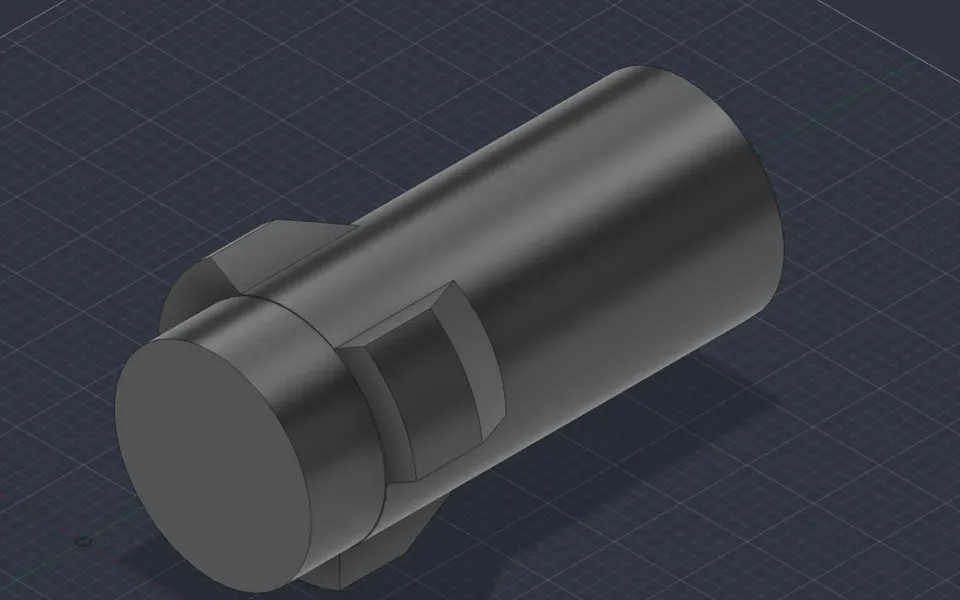
Turn a mesh into an editable solid
Vector converts the mesh, rebuilds planar and cylindrical regions as true faces, and keeps critical interfaces such as bores and flats.
Watch it in Vector