BlogGuides
Fusion 360 fillet failed? Why fillets fail and how to fix them
The common reasons fillets fail in Autodesk Fusion, from radius limits to tangent chains and feature order, and the fixes that work in practice.
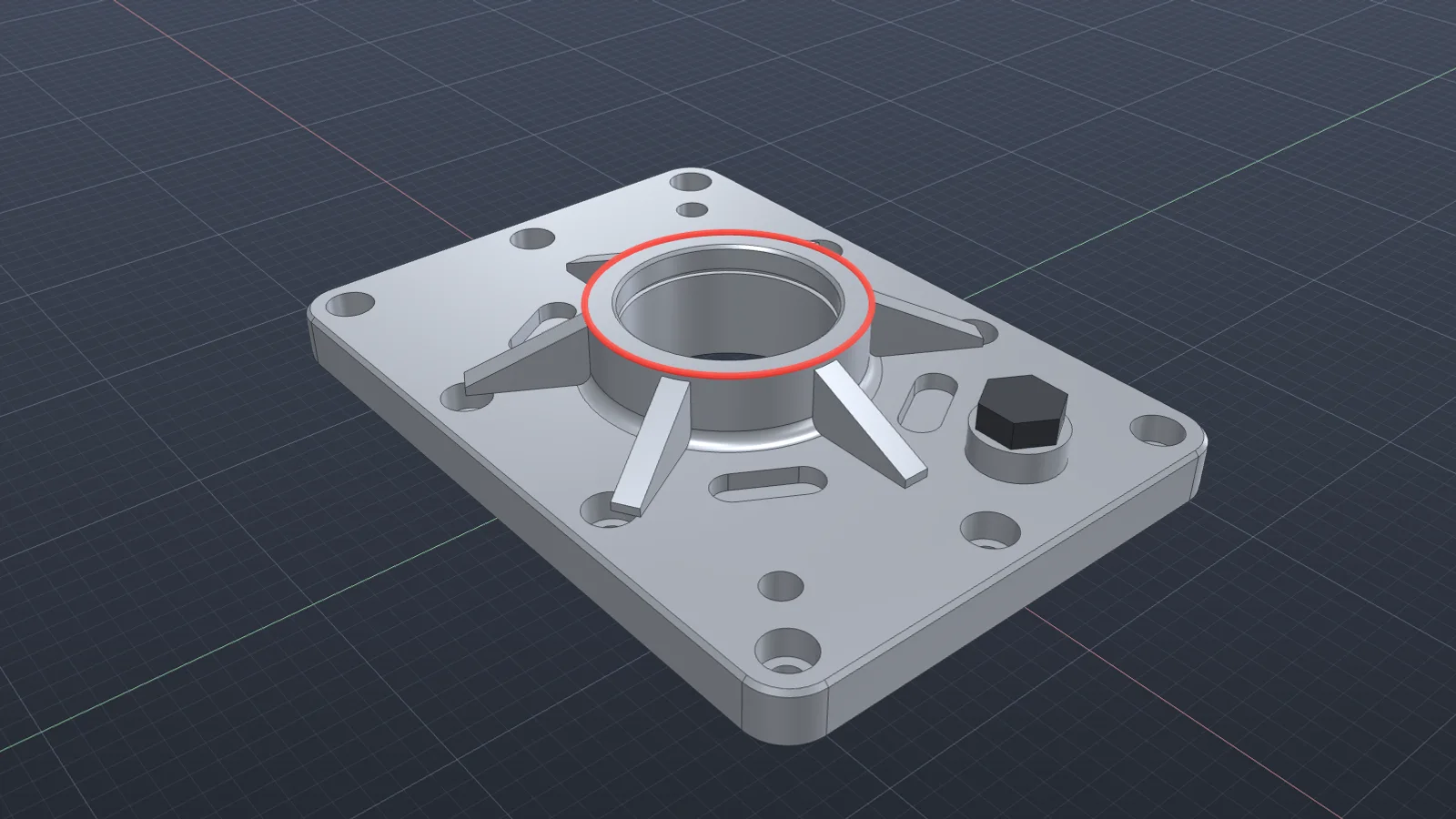
The fillet dialog in Autodesk Fusion turns red, or the feature computes on one edge and fails on its mirror image. Fillet failures almost always have a geometric reason. Find the reason and the fix is usually small.
The usual causes
- The radius is larger than an adjacent face can take. A 5 mm fillet next to a 4 mm wall has nowhere to go.
- Tangent chain is on and pulls in edges you didn’t mean to fillet, including one that can’t take the radius.
- Small sliver faces left by an earlier cut or boolean break the fillet surface.
- Corners where three or more filleted edges meet, with very different radii.
- Feature order. Filleting after a shell or after detailed cuts is harder than filleting first.
Fixes, in the order to try them
- Try a smaller radius. If it works at half the radius, measure the adjacent faces to find the limit.
- Turn off Tangent chain and select only the edges you need.
- Fillet the larger radii first, then the smaller ones in a separate feature.
- At difficult corners, change the corner type to setback, or split the fillet into two features.
- Move the fillet earlier in the timeline, before shells and detail cuts.
- If an earlier feature left a sliver face, fix that feature rather than fighting the fillet.
When one edge works and its mirror fails, compare the two directly: adjacent face widths, tangency, and whether a later feature touches one of them. The difference is the cause.
Doing it with Vector
Vector compares the edge that fillets with the one that fails, finds the difference, rebuilds the failing feature, and leaves the rest of the body unchanged. See it repair a failed fillet.
Questions
- Why does my fillet fail on one edge but not the other?
- The two edges usually differ in some way you can’t see at a glance: an adjacent face that’s narrower than the radius, a sliver face from an earlier operation, or a tangent edge that pulls in more of the chain.
- Should I fillet before or after a shell?
- Usually before. Filleting the outside and then shelling gives consistent inside radii and fewer failures.
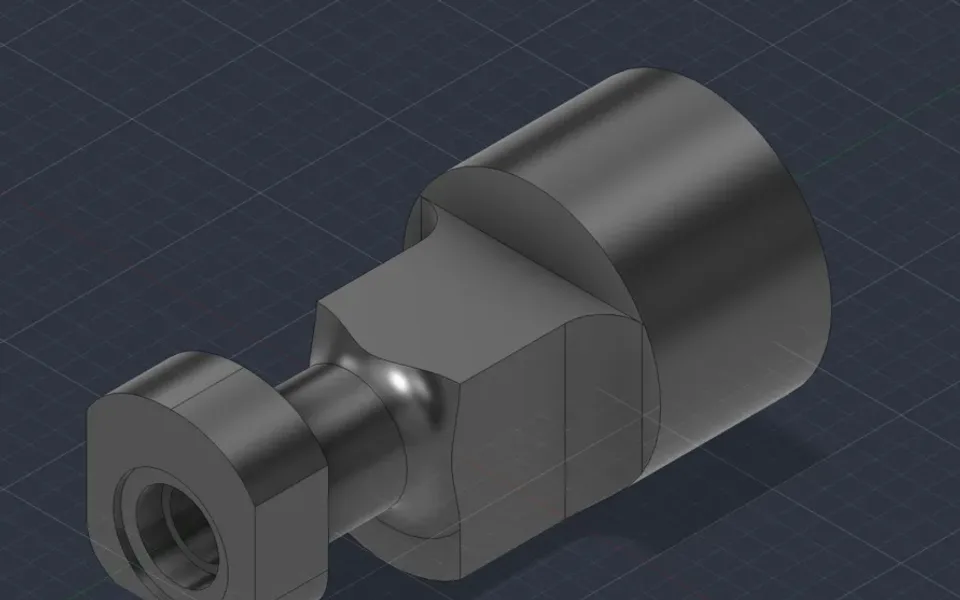
Repair a failed fillet
When one edge fillets and its match fails, Vector compares the two, rebuilds the failing feature, and leaves the rest of the body unchanged.
Watch it in Vector