BlogProduct
Announcing Vector 0.1.0
Vector 0.1.0 is out for Windows. It works inside Autodesk Fusion, SOLIDWORKS, and Bambu Studio, and builds and edits native CAD the way an engineer would.
Vector is an engineering copilot that runs beside your CAD application and works on the model you have open. You describe the part, the change, or the problem. Vector does the work through the application’s own interface, with sketches, features, mates, drawings, and exports, and lists every step in the conversation. The results are native features you can keep editing by hand.
Today we’re releasing version 0.1.0. This is what it can do.
What Vector does
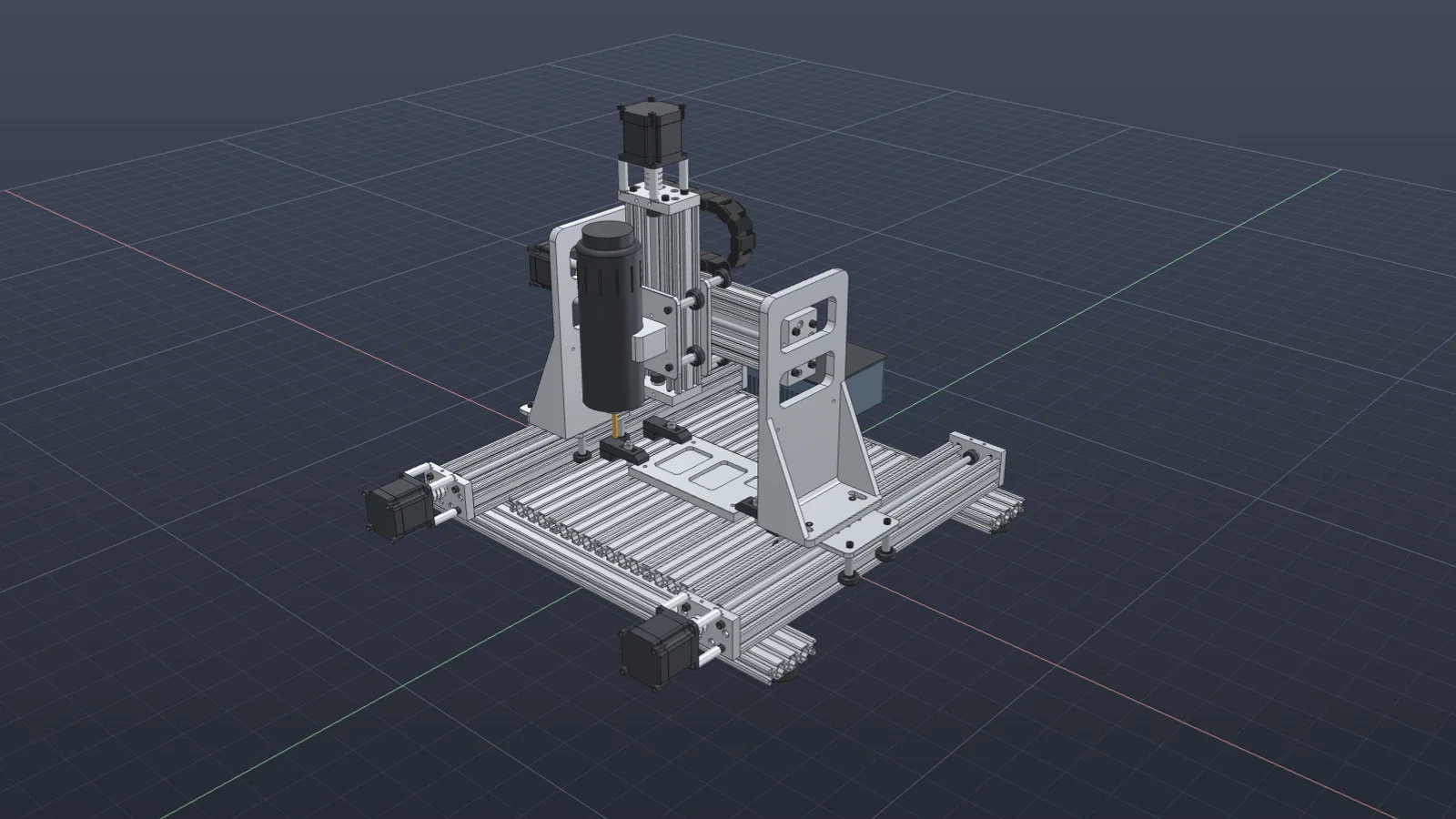
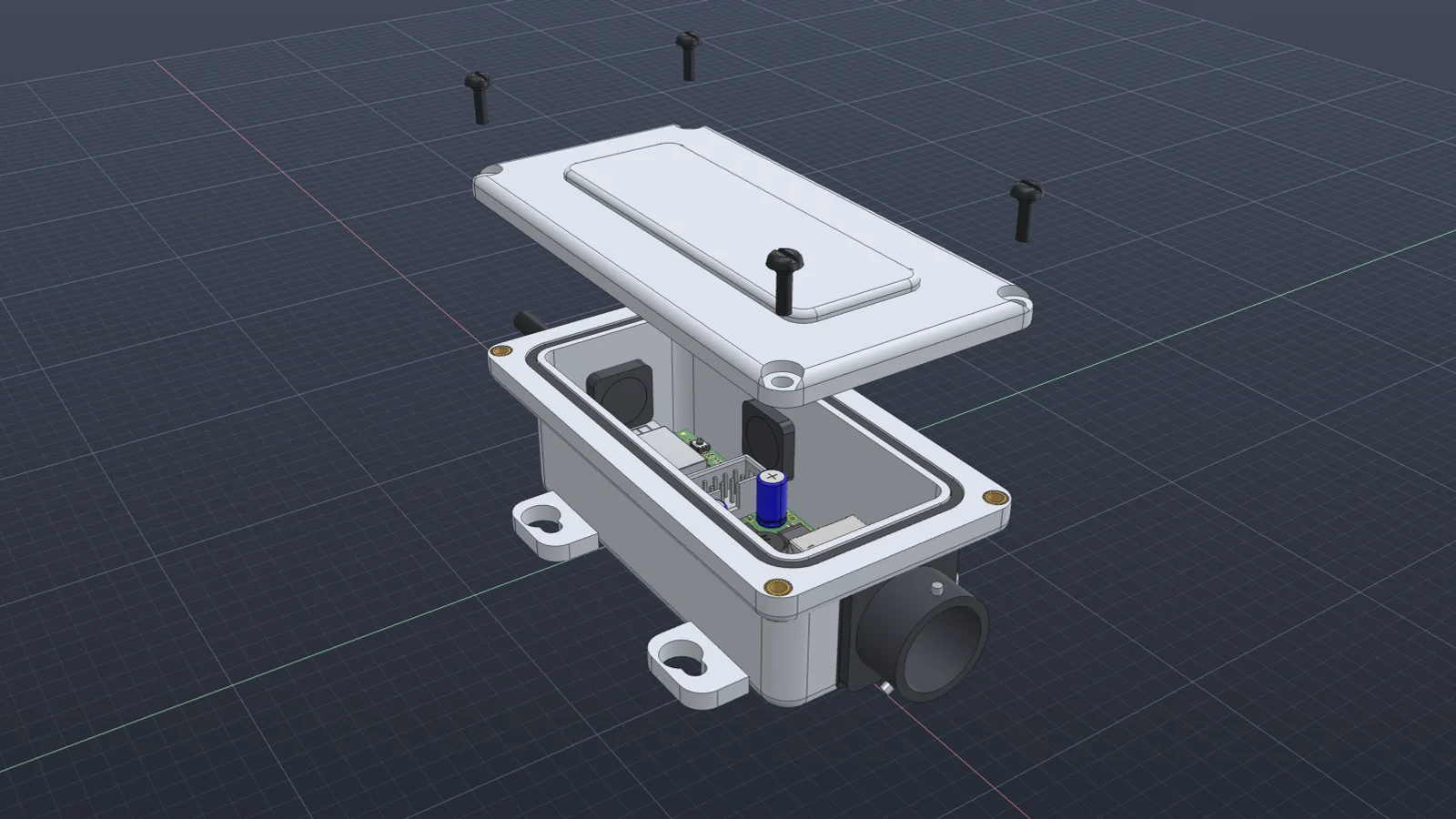
- Models parts and assemblies from a written brief, a dimensioned drawing, a hand sketch, a photo, or a 3D scan, with the dimensions you’ll change later as parameters.
- Edits existing designs. It changes dimensions, adds features, and swaps components, and it checks what depends on a feature before touching it.
- Repairs models that no longer rebuild: failed fillets, yellow and red timeline features, and references lost after an edit.
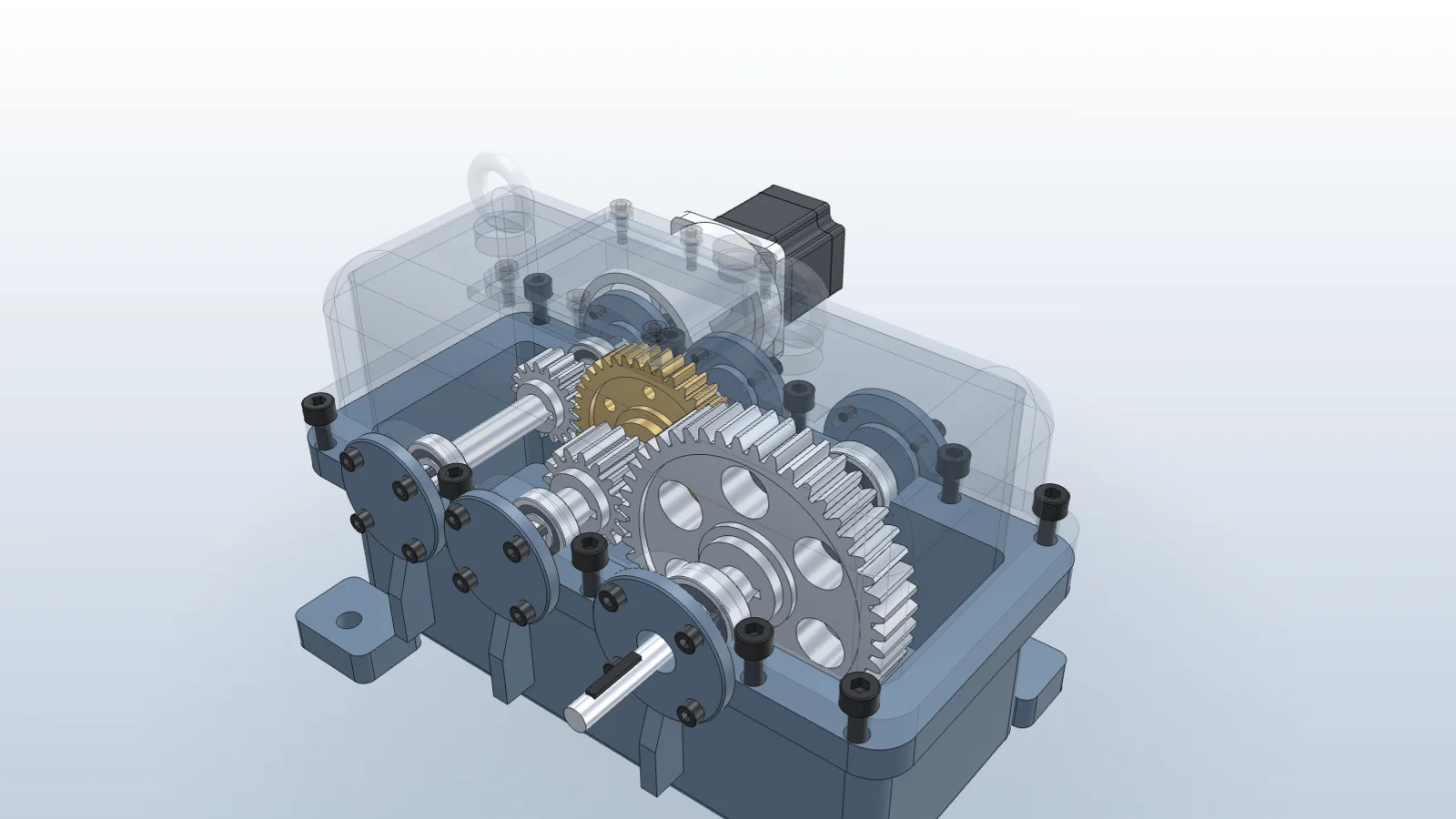
- Mates assemblies and checks them for interference, clearance, and motion through each joint’s range.
- Runs engineering calculations in Python on dimensions read from the model, with NumPy, SciPy, SymPy, pandas, pint for units, and CoolProp for fluid properties.
- Makes drawings and documents: drawing sheets with views and dimensions, a drawing package for every fabricated part, bills of materials, and batch exports to STEP, STL, PDF, and 3MF.
- Prepares prints. It arranges and slices plates, reports time and material, checks your printers, and starts a print when you ask.
- Answers questions about the open design, and shows how to do something in the application on your own model.
In each application
Autodesk Fusion
Vector connects through Fusion’s built-in MCP server, so there is no add-in to install. It reads sketches, features, parameters, components, and the timeline. It creates and edits native sketches, features, joints, and parameters, repairs failing features and lost references, exports STEP, STL, and other formats, and takes screenshots of Fusion to check its own work. More about Vector for Fusion.
SOLIDWORKS
A per-user add-in works through the SOLIDWORKS API, including 3DEXPERIENCE editions. Vector reads the feature tree and your current selection, edits parts and assemblies, adds mates, designs new parts in the context of an assembly, works with drawing sheets, and exports PDFs and exchange files. More about Vector for SOLIDWORKS.
Bambu Studio
Through an adapter it installs for you, Vector reads the open project, changes process settings with undo, arranges and orients objects, and slices plates with time, material, and warnings. It checks printer status and AMS filament before a job and only starts a print after you ask.
KiCad
A KiCad integration for schematics and board layout is in development.
Working with Vector
- Keep it docked beside the CAD window with Ctrl+L, or as a bar along the bottom of the window that opens into a full panel.
- Attach drawings, photos, and sketches, or paste the path to a STEP or STL file. Each chat keeps its files in a project folder that Vector can list and search.
- Queue the next request while Vector works, send it right away to change course, or stop the task.
- Choose the model and reasoning level for each chat.
- Get a notification when a long task finishes.
- Share a conversation as a link, with or without its screenshots and files.
- Search past chats, grouped by project, and import conversations from Codex, Claude Code, Cursor, ChatGPT, and Claude to continue them in Vector.
- Write in your own language. Vector answers in the language you use.
Get started
Vector runs on Windows 10 or later and works with the Fusion, SOLIDWORKS, or Bambu Studio installation you already have. Download it, connect an application in Settings → Integrations, and hand it a real task. The quickstart covers the first ten minutes.
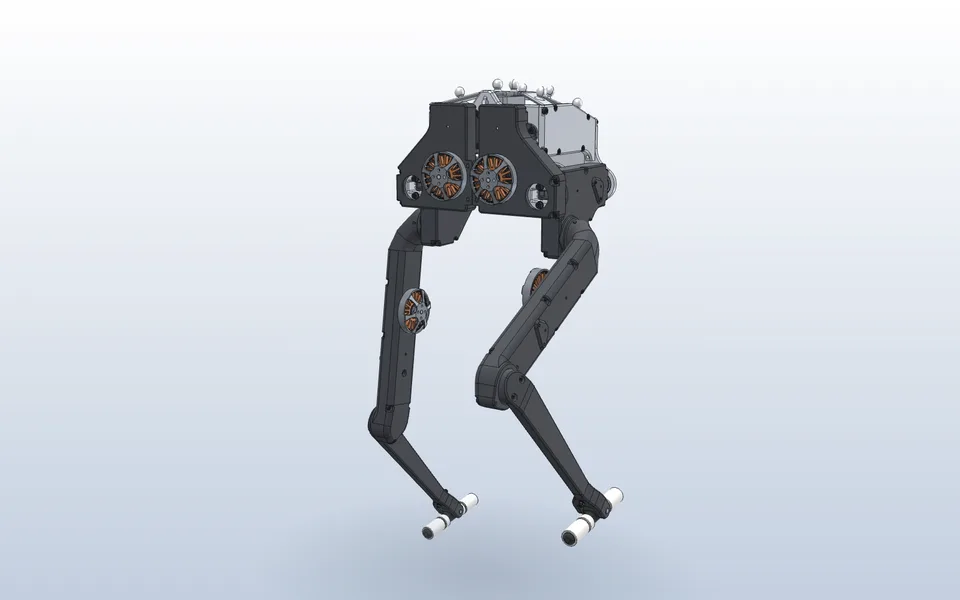
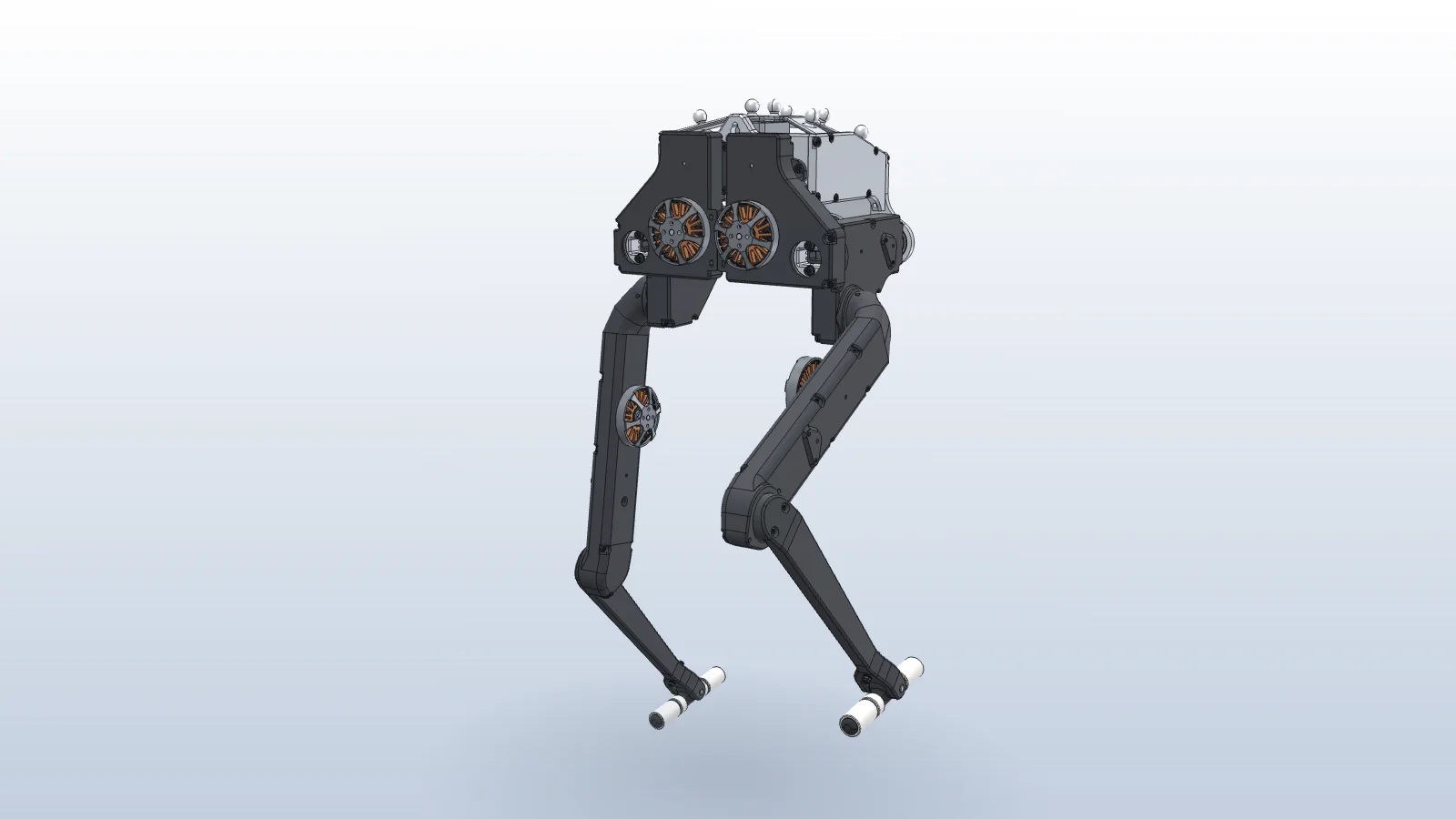
Mate a robot’s legs and check their range
Vector mates each joint to the pulley that drives it, sweeps the hips and knees with Interference Detection, and adds limit mates before anything collides.
Watch it in Vector