BlogProduct
AI for SOLIDWORKS in 2026: tools that work in the feature tree
How AI tools work with SOLIDWORKS today, what an agent inside the feature tree can do, and what to check before you hand it a real assembly.
SOLIDWORKS users have tried AI in three ways so far: asking a chatbot how to do something, generating a macro, or generating a part in a separate tool and importing it. Each helps a little. None of them works on the assembly you have open, with its mates, configurations, and drawings. That is the gap an agent inside SOLIDWORKS is meant to close.
Three kinds of tools
| Tool | Works on your open model | Native features | Checks its work |
|---|---|---|---|
| Chat assistant | No | No | No |
| Macro generator | When you run the macro | Yes | Rarely |
| Text-to-CAD service | No, it exports a file | No | No |
| Agent in the feature tree | Yes | Yes | Yes |
What an agent can do in SOLIDWORKS
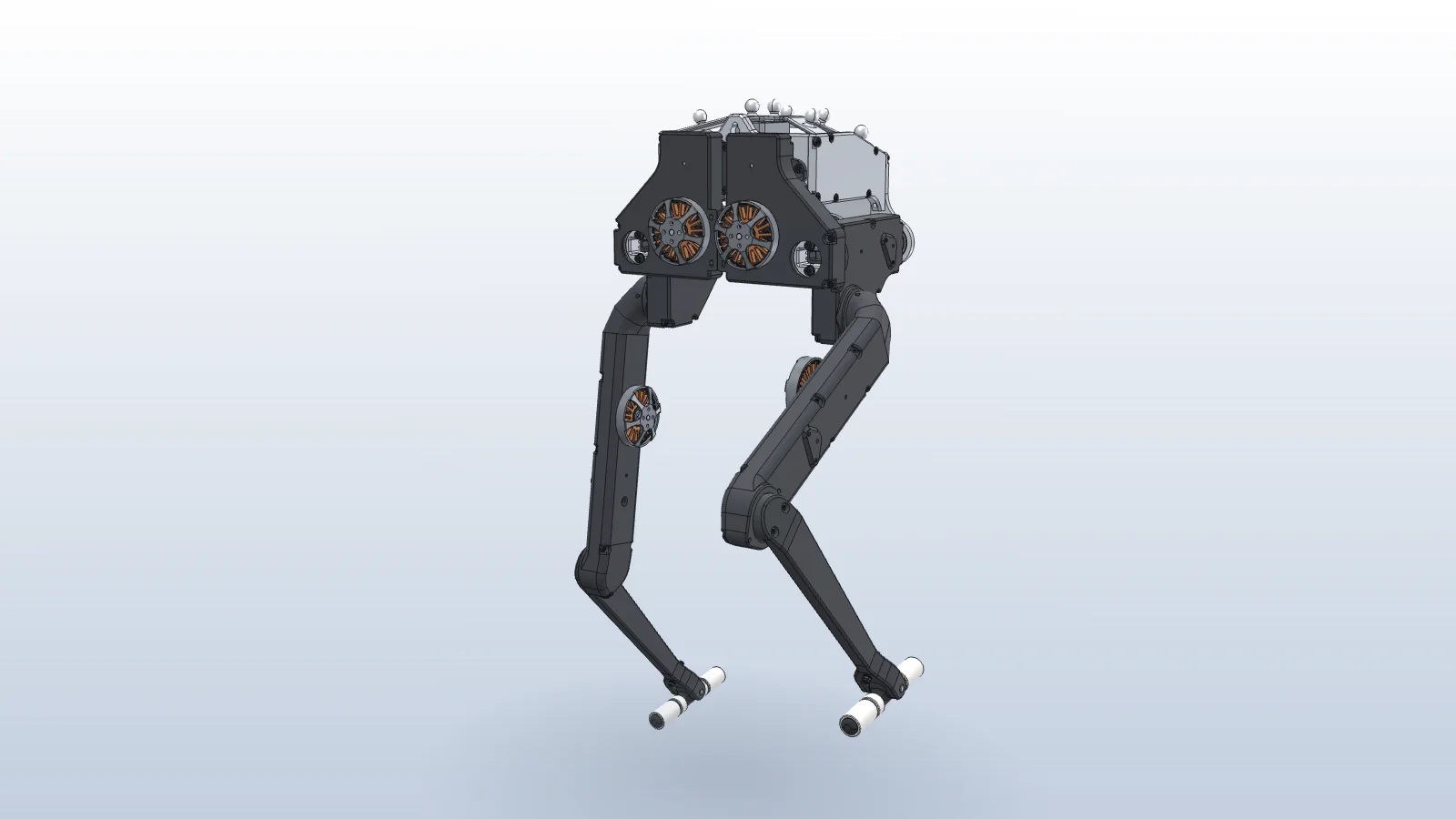
- Mate an assembly and check it. It adds concentric and coincident mates, runs Interference Detection, and adds limit mates where parts would collide. See mating a walking robot.
- Design a part in context, sized to the parts around it, and mate it in place.
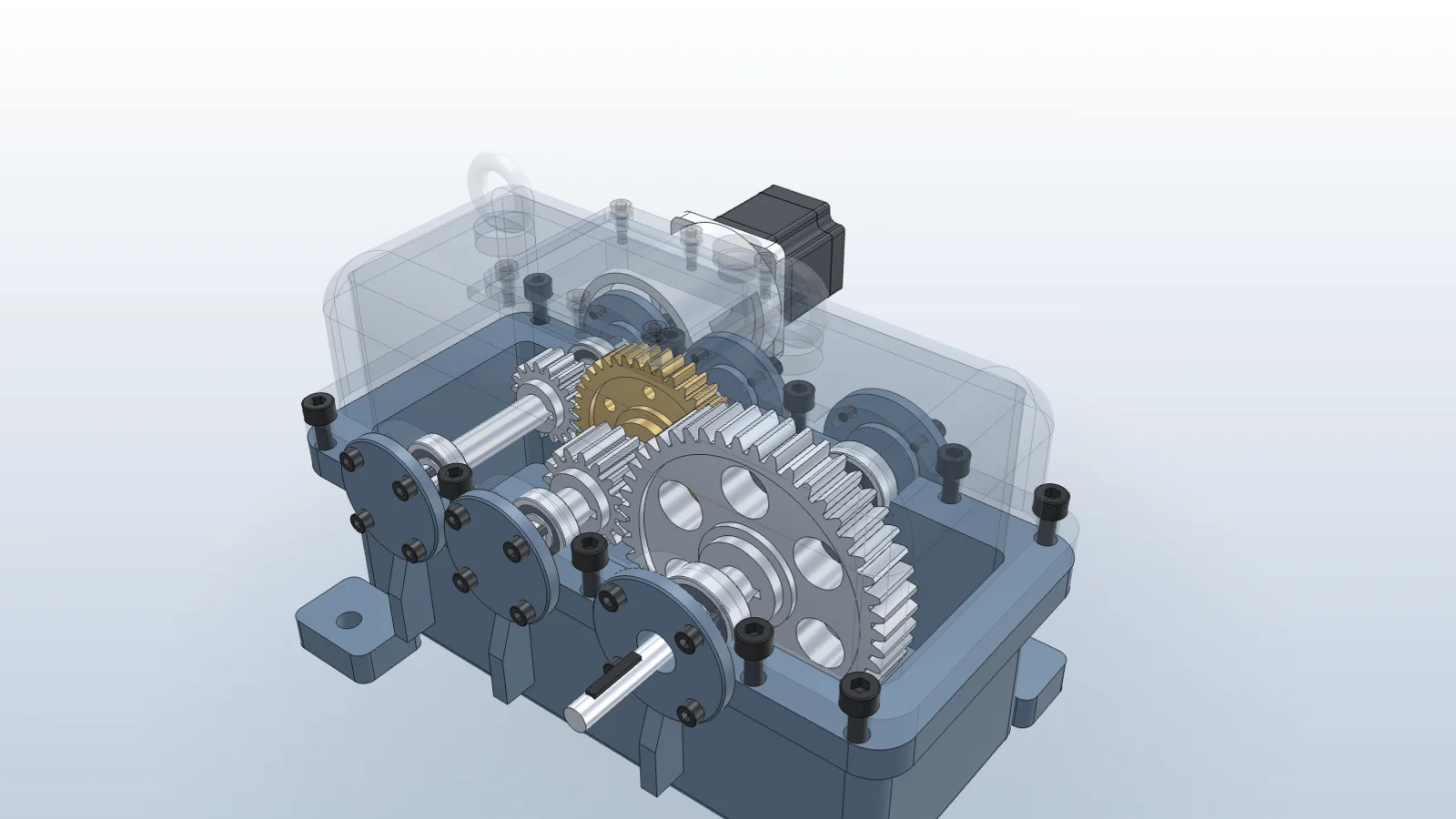
- Run engineering checks on real geometry. It reads gears, shafts, and bearings from the assembly and calculates stresses and life. See checking a gearbox against a new motor.
- Build configurations from a design table, then place and export each size. See a part family from a design table.
- Make a bill of materials purchasing can use, with part numbers and fasteners grouped by size. See a BOM from an assembly.
- Apply red-line markups from a drawing to the model, then update the drawing. See the markup guide.
What to check first
- The changes show up in the FeatureManager tree as features and mates you can edit.
- It works with your existing install and licenses, including 3DEXPERIENCE launchers.
- It reports measured results, such as interference volume or a motion study ratio, rather than restating your numbers.
- It asks before changing interfaces other parts depend on, like a shaft diameter or a hole pattern.
Vector installs a per-user add-in and works through the SOLIDWORKS API on Windows. See Vector for SOLIDWORKS for requirements.
Questions
- Can AI edit an existing SOLIDWORKS assembly?
- Yes, through the SOLIDWORKS API. Vector reads the feature tree and your selection, adds mates, edits parts in context, and runs checks such as Interference Detection.
- Does it work with 3DEXPERIENCE SOLIDWORKS?
- Yes. Vector’s add-in works with SOLIDWORKS desktop, including 3DEXPERIENCE editions.
- Is the output native SOLIDWORKS geometry?
- Yes. Features, mates, configurations, and drawings are created through the API, so they live in the FeatureManager tree like your own.
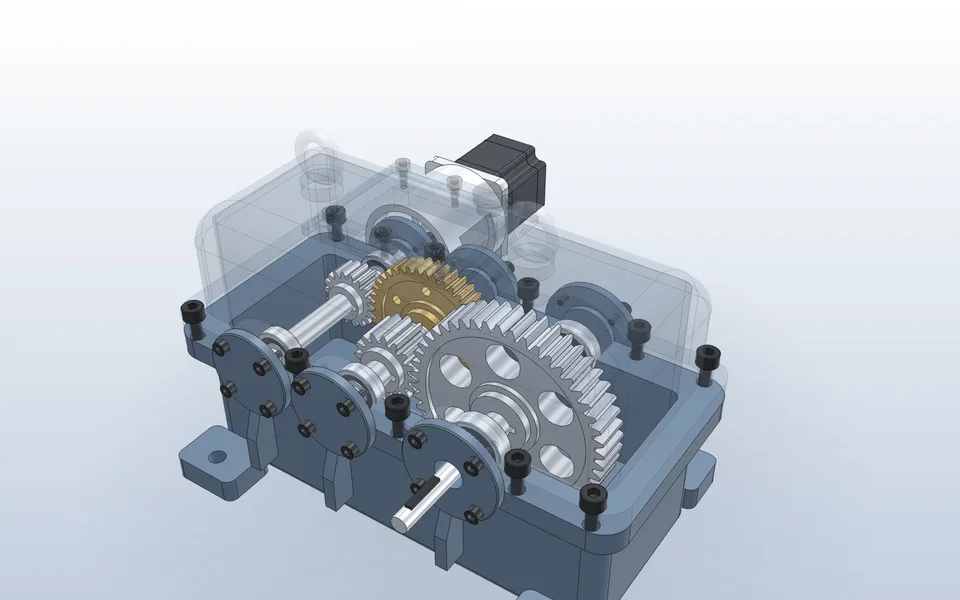
Add a gear stage and check the ratio
Vector models the involute gear from module and tooth count, sets the center distance, adds the gear mate, and runs a motion study through both stages.
Watch it in Vector