BlogProduct
Text-to-CAD vs. an AI agent in your CAD: which fits engineering work
Text-to-CAD generators and in-application agents solve different problems. Here’s where each one fits, with examples from real mechanical design work.
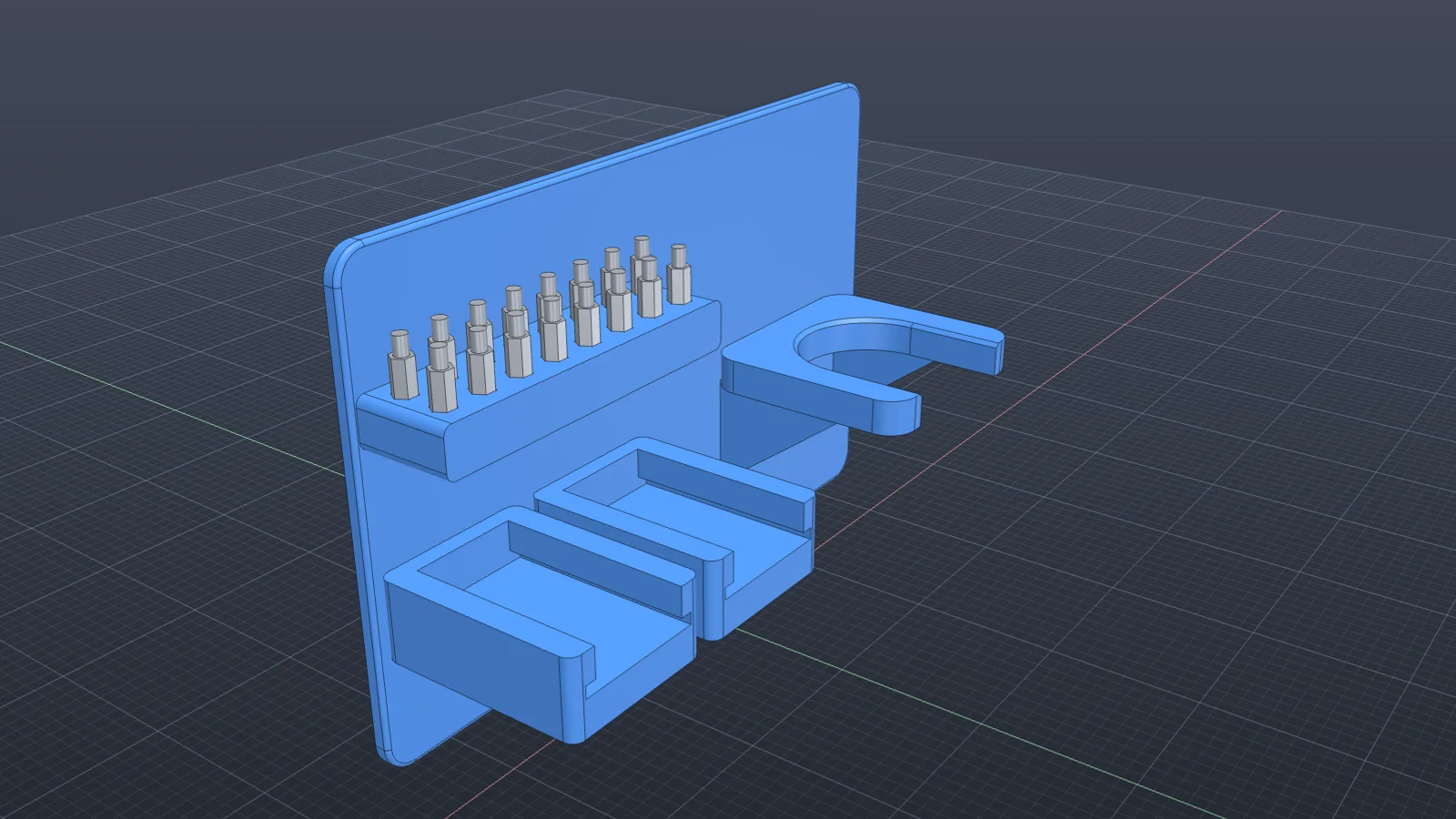
Text-to-CAD tools turn a prompt into a part. Agents inside CAD applications change the design you have open. Both use language models, and both get called AI CAD, but they suit different stages of a project.
Where text-to-CAD fits
- Quick concept shapes when nothing exists yet.
- Standard parts you would otherwise download, like brackets, spacers, and simple housings.
- Exploring a few options before committing to a direction.
The output is usually a STEP or STL file. It has no history in your CAD system, so changing it later means remodeling it or editing dumb geometry.
Where an agent in your CAD fits
- Changing an existing part without breaking the assembly around it.
- Repairing models that fail to rebuild after an edit.
- Mating assemblies and checking interference and motion.
- Producing drawings, BOMs, and exports from the real model.
- Turning a drawing, a hand sketch, or a scan into a parametric part that lives in your timeline.
The same request, both ways
Take “model this pivot arm from my sketch, 90 mm between holes, and make the spacing a parameter.” A generator returns a solid with roughly the right shape. An agent in Fusion inserts the photo as a canvas, scales it from the 90 mm callout, traces a fully constrained profile, and adds hole_spacing as a user parameter. Change it to 100 mm and the arm rebuilds. See it step by step.
Choosing
If you need a shape and nothing else, a generator is quick. If the part has to live in an assembly, get drawn, change next month, and be checked before it’s made, you want the work to happen in your CAD system. That’s what Vector does in Fusion and SOLIDWORKS.
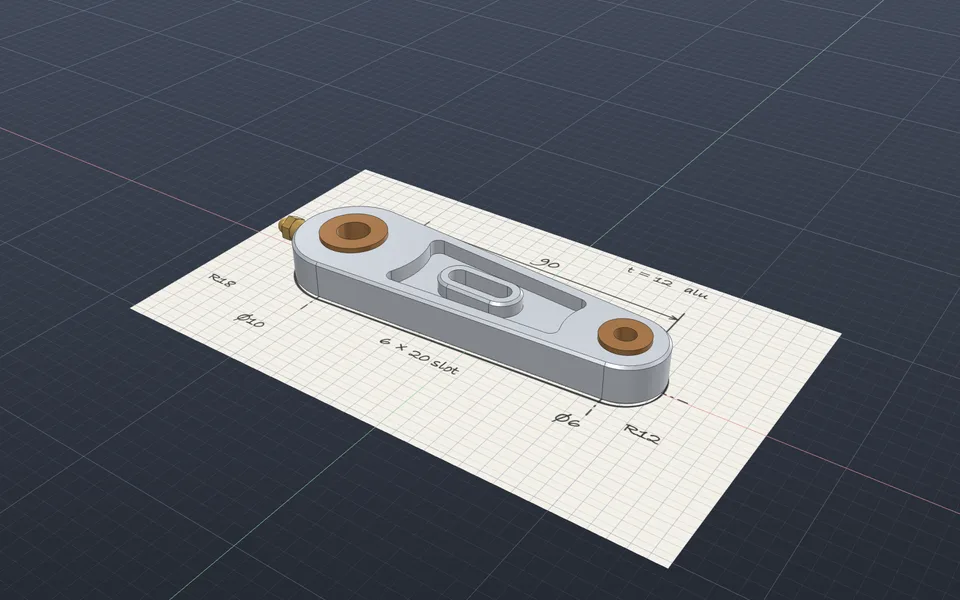
Model a part from a hand sketch
Vector inserts the photo as a canvas, scales it from a known dimension, and builds a fully constrained part with the hole spacing as a user parameter.
Watch it in Vector