Create and edit native parts, inspect assemblies, and work with drawings through the SOLIDWORKS API.
Connect SOLIDWORKS in Vector’s Integrations. Vector installs the add-in and uses your installed launcher, including 3DEXPERIENCE shortcuts. Complete platform sign-in if prompted.
Vector reads the document you have open in Fusion or SOLIDWORKS: its sketches, features, and assembly structure. Ask questions and make changes in the context of your part.
02
Uses your application's own API
Vector creates and edits native CAD features. Your Fusion timeline or SOLIDWORKS feature tree stays available for you to inspect and edit afterward.
03
Shows every change
Follow the work in the conversation, inspect the result in CAD, and open referenced files directly. Use Fusion, SOLIDWORKS, or both from the same Vector app.
Repair
Repairs broken models end to end
Failed fillets, broken references, and features that stop rebuilding. Vector inspects the design, traces the problem, and works through the repair in your CAD application.
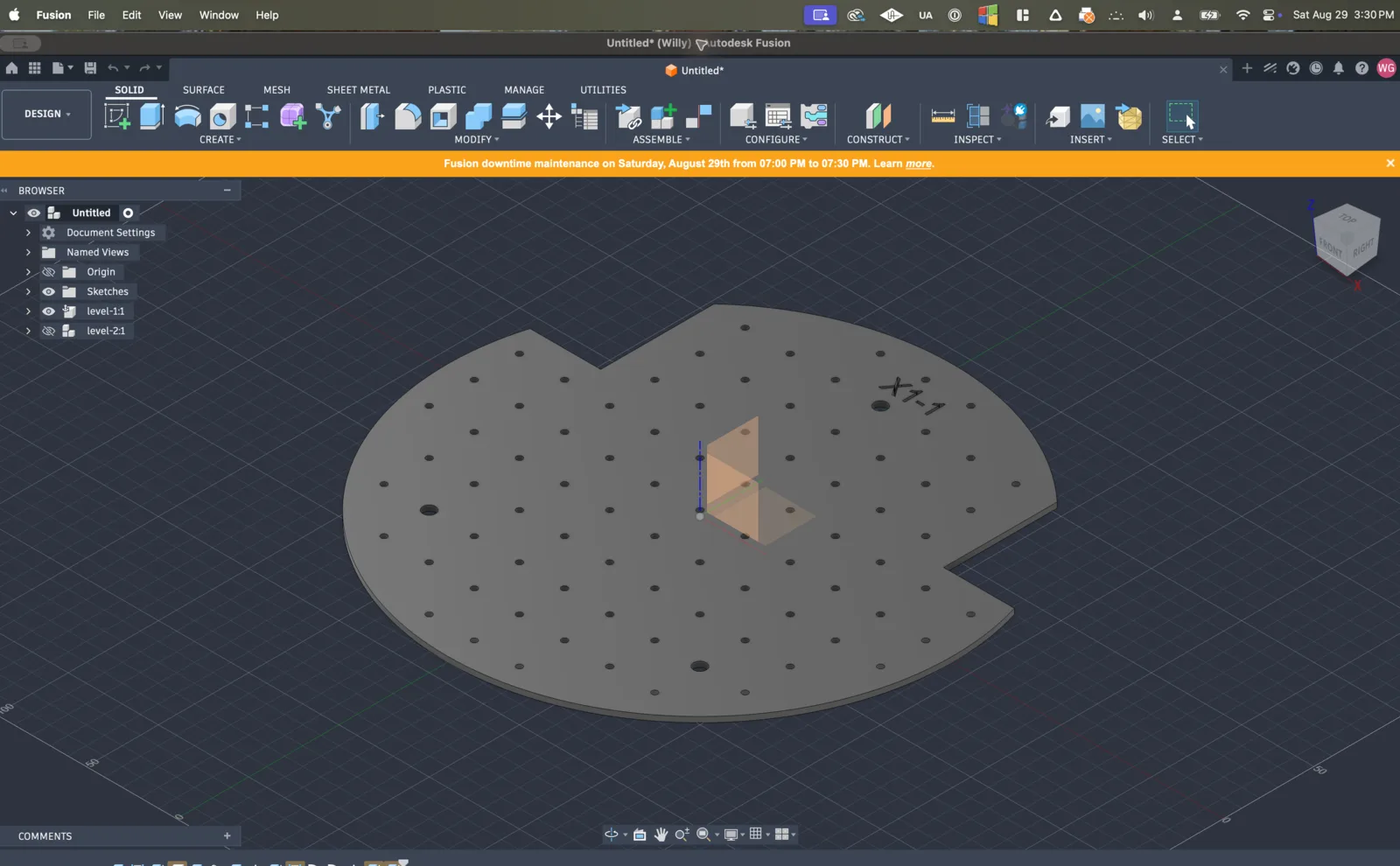
This plate is full of yellow and red. Start at the first broken feature and clear the cascade.
Fillet10 was the earliest break. I repaired that edge first; the six downstream warnings cleared on recompute. No unresolved red features remain.
now
Vector
Automation
Turns an afternoon of clicking into one request
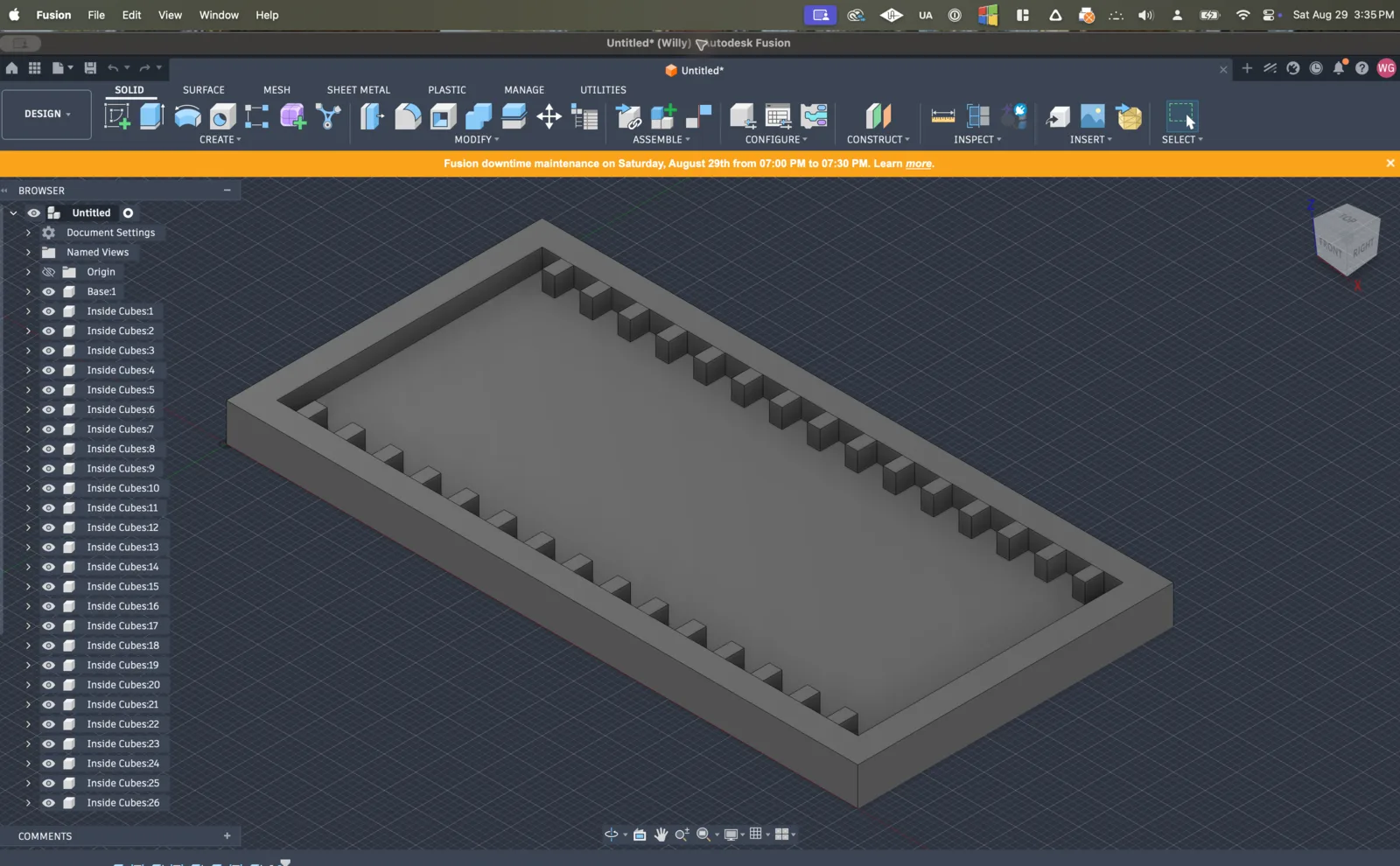
Twenty-six copied blocks become one pattern. Eighteen bodies export as eighteen STEP files with an index. Eleven fabricated parts get eleven drawing sheets.
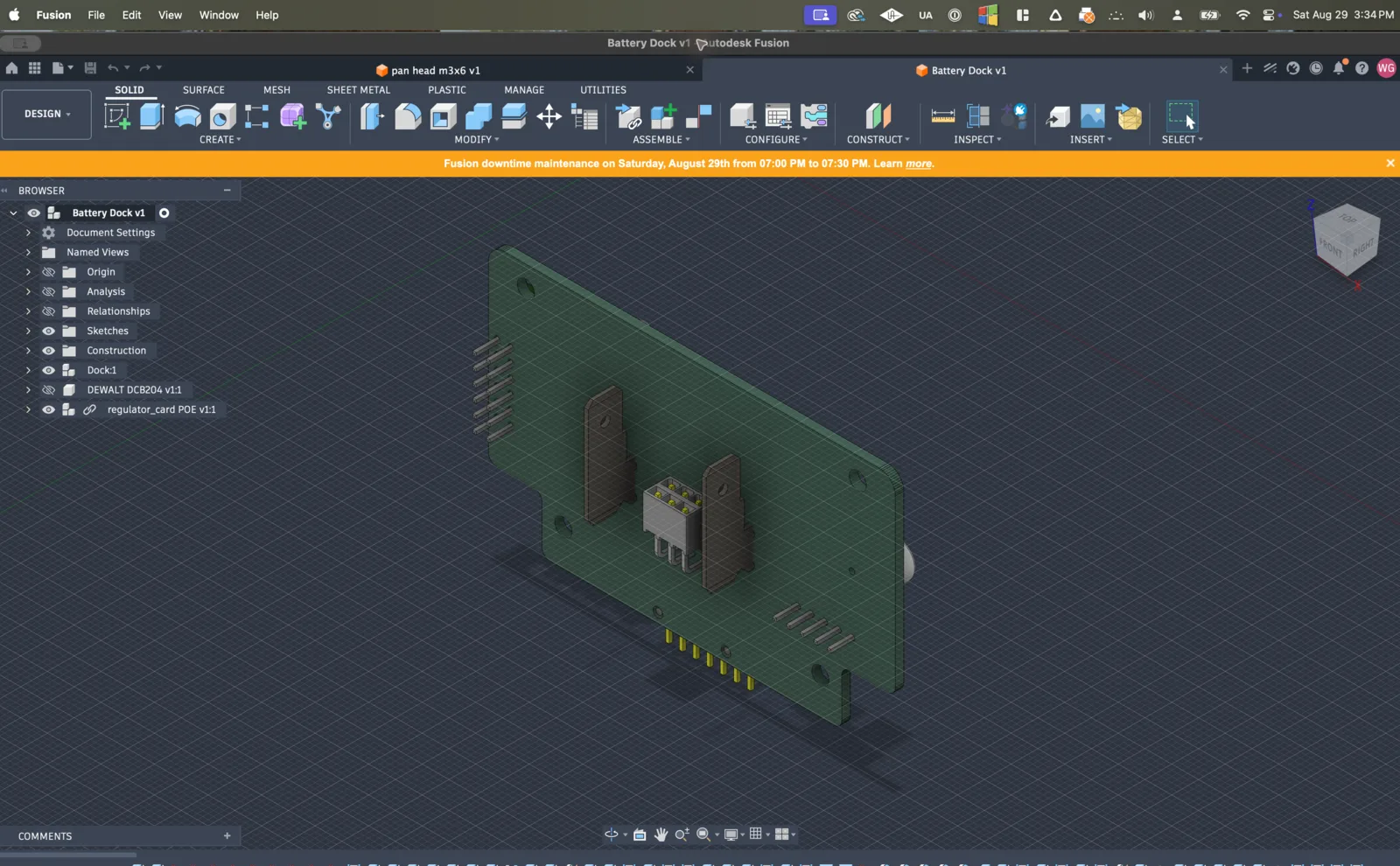
The PCB in this battery dock changed. Find every broken reference and repair the unambiguous ones.
Eight references had a single stable replacement and are relinked. Three projected faces are ambiguous. Pick the face for each and I will finish those.
now
Vector
See what you can hand to Vector.
Explore example workflows in your CAD application, from native part modeling to repairs and repetitive edits.
Autodesk Fusion
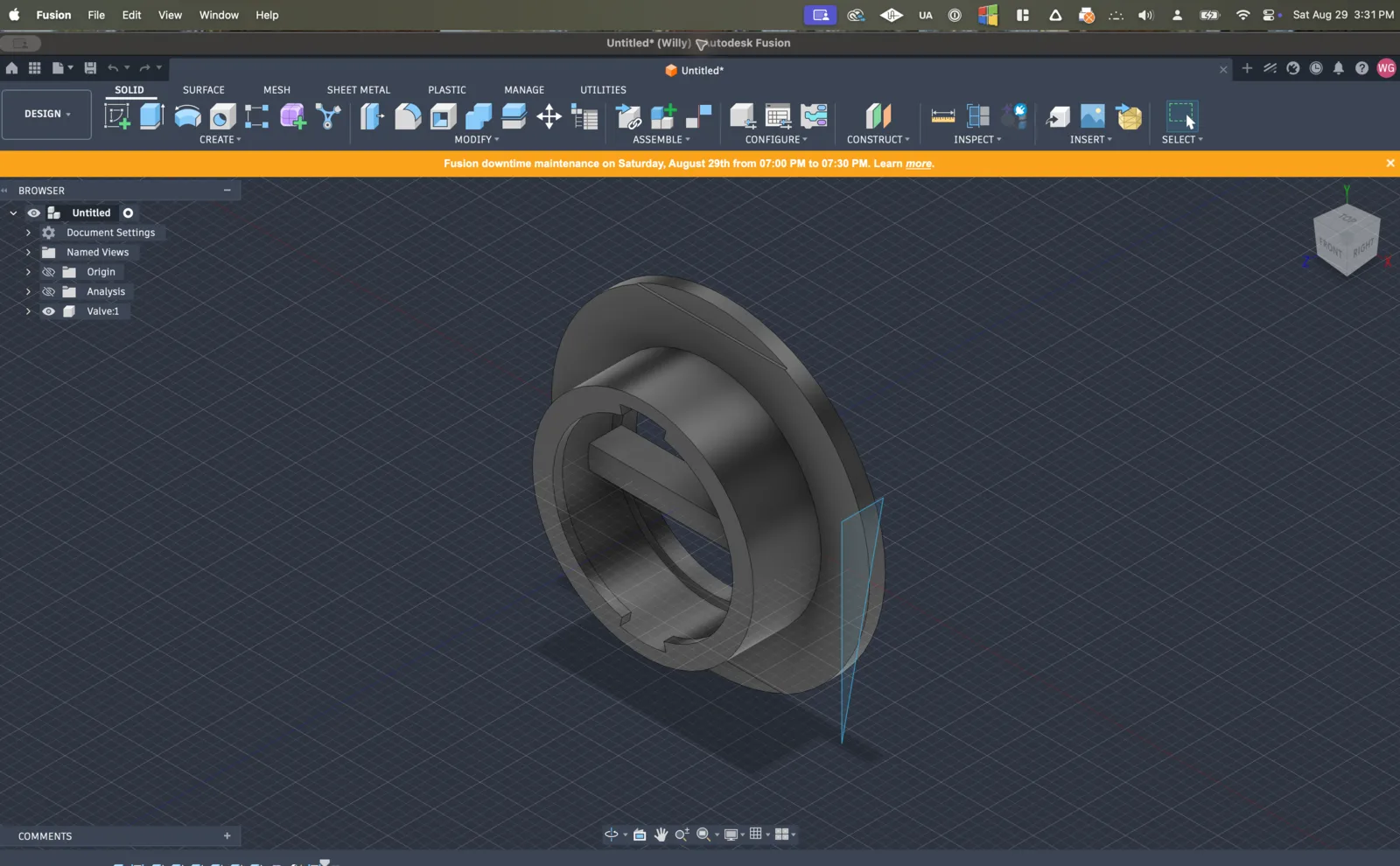
Stay in Fusion for “how do I”
Vector shows the missing step on your actual design, then does the bounded edit instead of sending you a 14-minute tutorial.


 Autodesk Fusion